Turn Any Product into a Professional Demo Video with AI

Create stunning product demos, explainers, and marketing videos for websites, apps, games, and smart devices. Simply record your screen or upload your content, and let AI do the rest.

  • From a screen recording, a URL, images, or a document
  • Demo, tutorial, and marketing videos from one upload
  • AI makes the first cut, and you fine-tune anything you want

Demoly is launching soon.

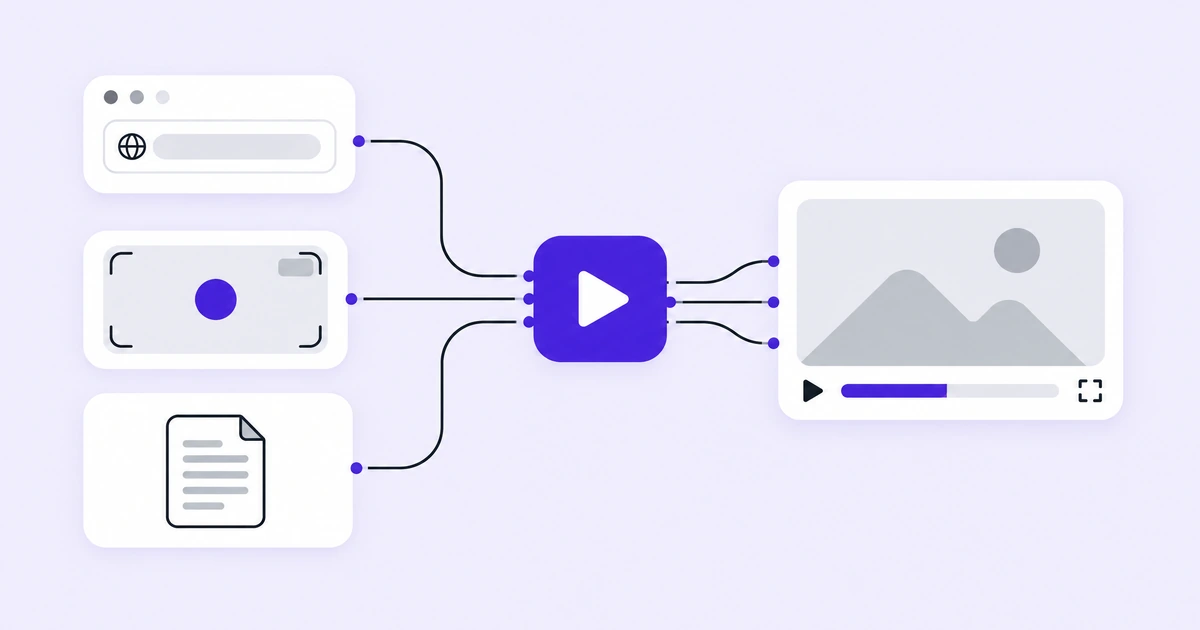
Demoly turning a URL, a screen recording and a document into an AI product demo video
How Demoly turns one product into a demo video, a tutorial video, a written guide, and social clipsURLRecordingImagesDocumentDemolyDemo videoTutorial videoHelp guideSocial clips

What Is Demoly?

Demoly is an AI product demo video maker. Give it your product — a web address, a screen recording, a set of images, or a document — and it writes the script, speaks the narration, edits the footage, and hands back a finished video. One pass produces a demo video, a tutorial video, a written help guide, and social clips, so the same walkthrough serves marketing, onboarding, support, and your social feeds.

Making a Product Demo Video Still Takes a Week

Your product changes every sprint, and your demo does not. Recording a clean run takes several attempts, editing eats the rest of the day, and by the time the video is ready the screen it shows has already moved on. Most teams end up maintaining one aging walkthrough instead of the set of videos each audience actually needs.
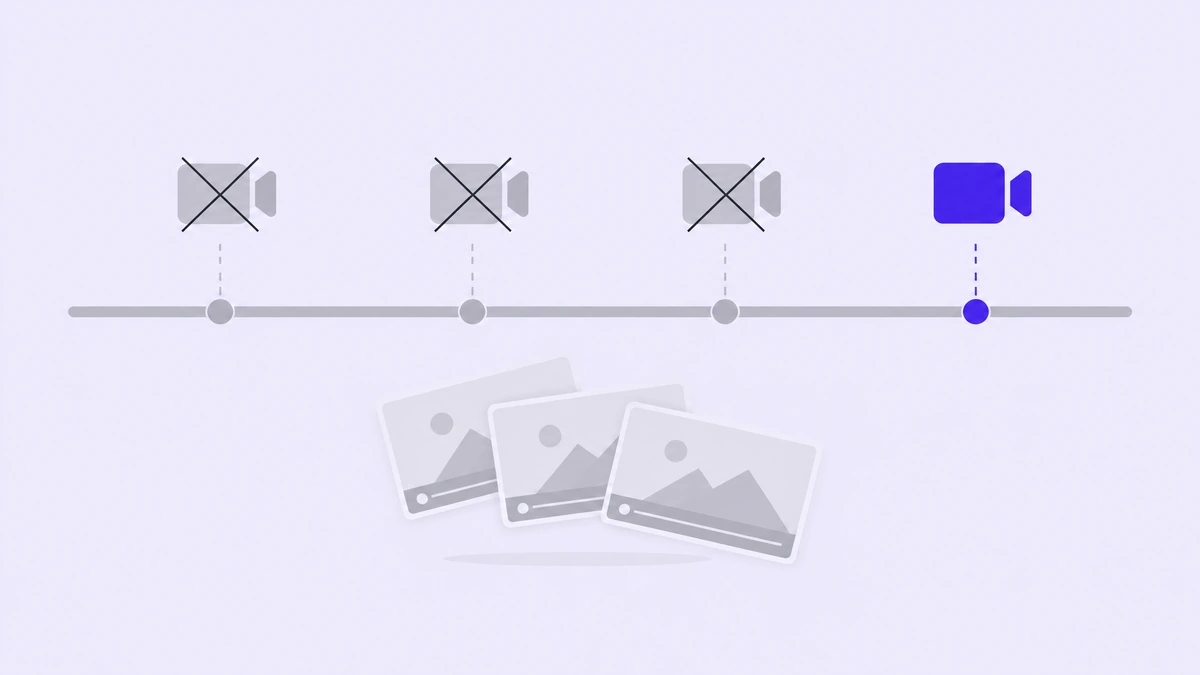
A recording timeline crowded with failed takes and discarded drafts

One wrong click and you start over

Screen recording is unforgiving. A stray notification, a mistyped field, a page that loads slowly — any of them sends you back to the beginning of the take.

Editing eats the rest of the day

Trimming dead air, adding captions, matching the narration to what is on screen. The recording takes minutes; making it look finished takes the afternoon.

Every release makes it stale

Rename a button and the video is wrong. So teams ship one aging walkthrough instead of the set each audience needs.
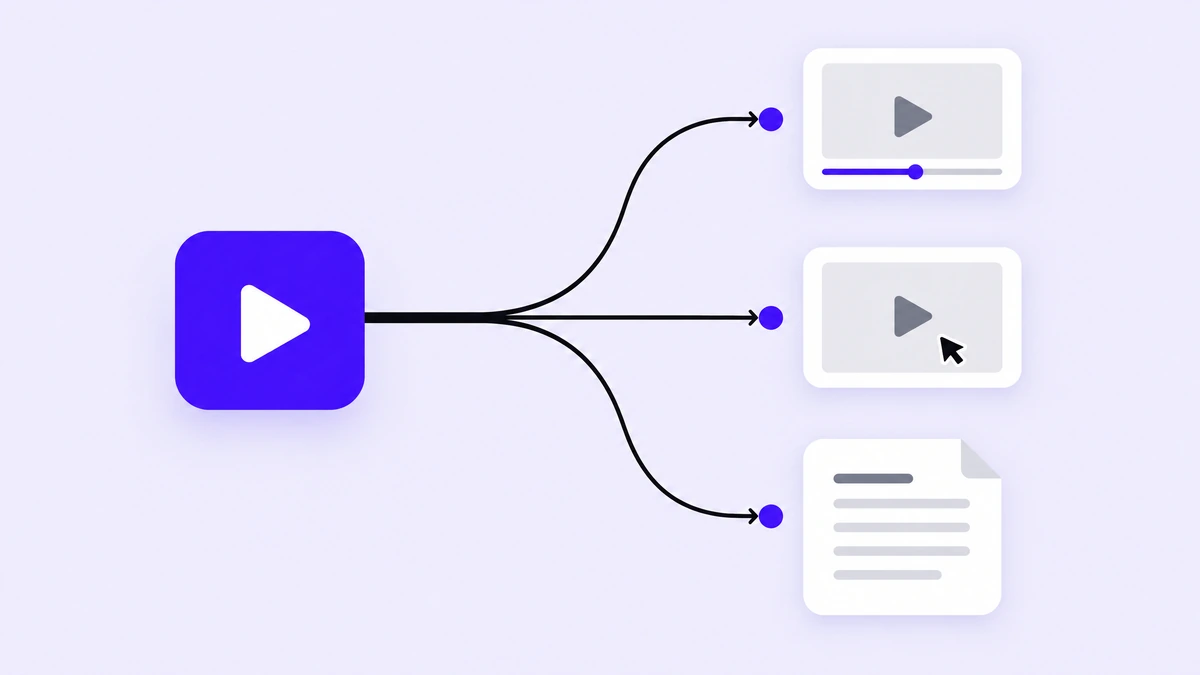
One pass in Demoly producing a demo video, a tutorial video and a written help guide

Why Demoly Is the AI Product Demo Video Maker to Use

Demoly starts from what you already have. Point it at a product address and it walks the interface itself; upload a recording, a few images, or a document and it works from those instead. You never have to perform a clean take. The AI writes the script, speaks it, removes the dead air, and moves the view to whatever matters on screen. When it gets something wrong — a word in the narration, a pause that runs long, a move in the wrong place — you change that one thing instead of starting a new recording. And because a single pass returns a demo video, a tutorial, written documentation, and social clips together, explaining your product stops being four separate jobs.

What Makes Demoly Different

An AI product demo video normally takes a recording session, an editor, and a technical writer. Demoly does all three in one pass over your product.
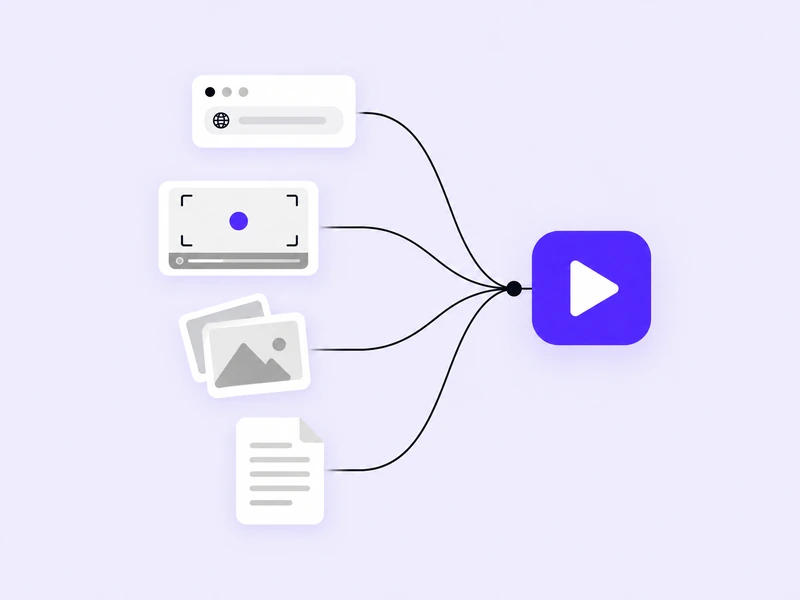
A URL, a screen recording, photos and a document all feeding into Demoly

Start From a URL, a Recording, or a File

Paste your product address and Demoly explores the interface on its own. Or bring a screen recording, a set of images, or a written document — the same pass works from any of them.
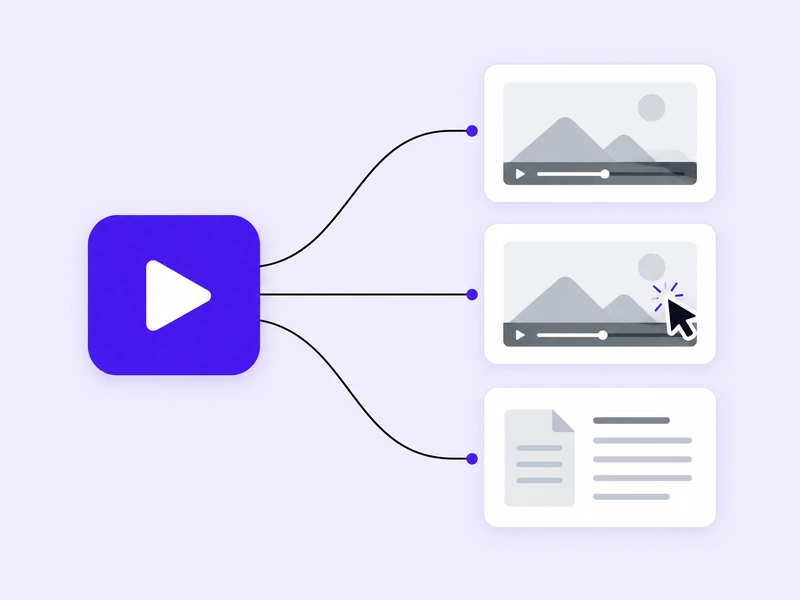
A single walkthrough branching into a demo video, a tutorial video and a help guide

One Pass, Several Finished Pieces

A demo video for the landing page, a tutorial video for onboarding, a written help guide for your documentation, and social clips for your feeds. They come out of the same walkthrough, so they never contradict each other.
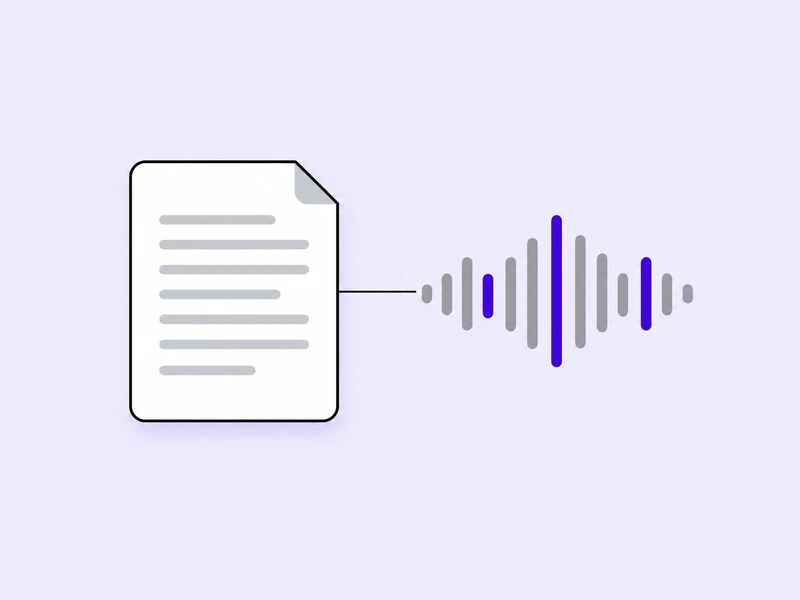
A written script becoming natural voice narration

AI Script and Narration

Demoly writes what should be said, then speaks it in a natural voice. Rewrite any line and the narration is regenerated around it.
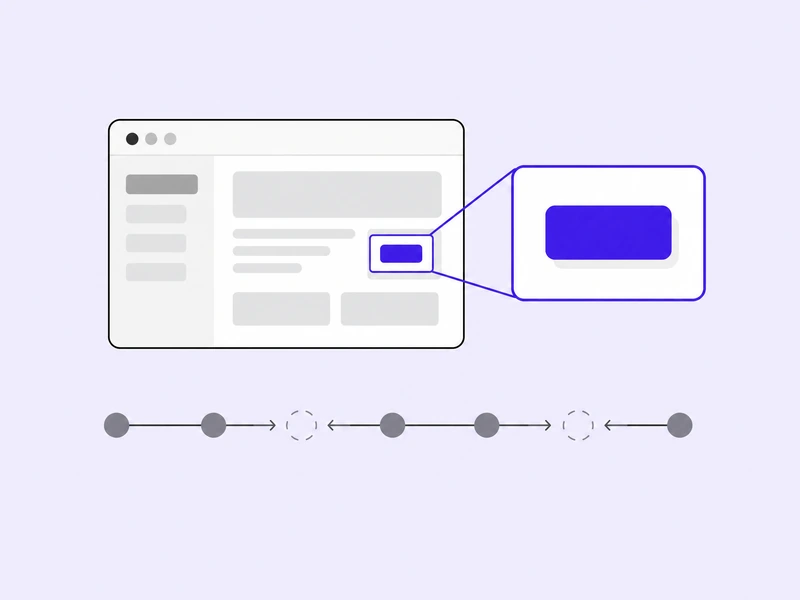
An automatic zoom onto the control in use, with dead air cut from the timeline

Automatic Camera Work and Editing

Dead air is removed, the view moves to the control being used, and the pacing follows what is happening on screen. There is no timeline to learn.
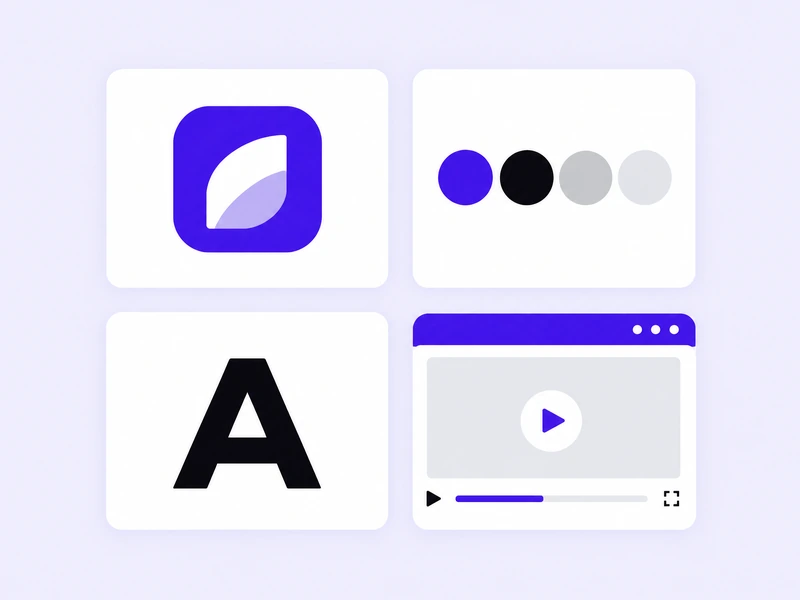
A brand kit with a logo, a color palette, typography and branded video frames

Your Brand, Applied Everywhere

Logo, colors, typeface, opening and closing frames. Everything Demoly produces looks like it came from your team rather than from a tool.
The same product video with captions in several languages

Speak to Your Whole Market

Narration and captions are produced in the languages you sell in, from the same pass over your product.

How to Make an AI Product Demo Video with Demoly

Three steps from your product to a finished video.

1

Add Your Product

Paste the address of the product you want shown, or upload a screen recording, a set of images, or a document. Say in one sentence what the video should cover.

Pasting a product address, with recording, image, and document upload beside ityourproduct.comRecordingImagesDocumentor upload what you already have
2

Choose What You Need

Pick what this pass should produce — a demo video, a tutorial video, a written guide, social clips, or all of them — and the languages you want them in.

Choosing between a demo video, a tutorial video, a written guide, and social clipsDemo videoTutorial videoHelp guideSocial clipspick what this pass should produce
3

Review, Adjust, and Share

Watch what came back. Change a line of narration, adjust where the view moves, swap the opening frame. Then export the video and publish the guide.

Adjusting narration and camera moves before exportingabcnarration, pacing, camera movesExport

Who Uses Demoly

An AI product demo video earns its place wherever a product has to be seen moving before anyone believes it works. These are the teams that need one most.
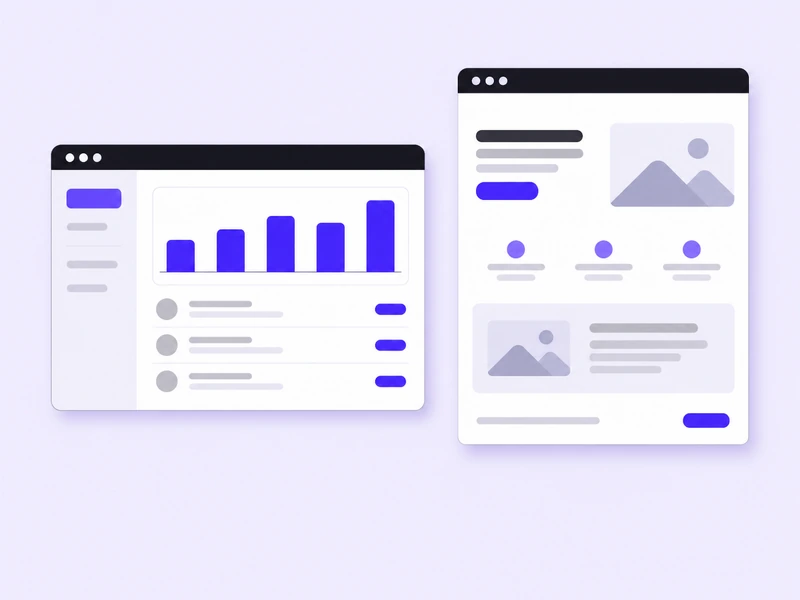
A SaaS dashboard beside the landing page that presents it
AI Websites & SaaS

Show the workflow, not the feature list

Problem

Visitors leave before they understand what the product actually does.

Solution

A demo video on the landing page that walks the real interface, remade whenever the product changes.
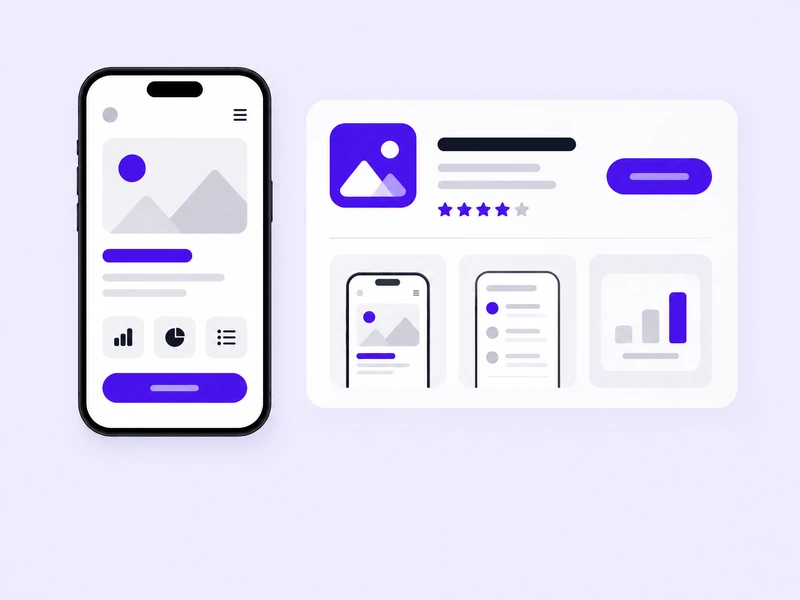
A mobile app screen beside its app store listing
AI & Mobile Apps

A store listing people actually watch

Problem

A row of static screens never explains how an app feels to use.

Solution

App walkthroughs and promotional videos from a single pass, sized for every store and channel you publish to.
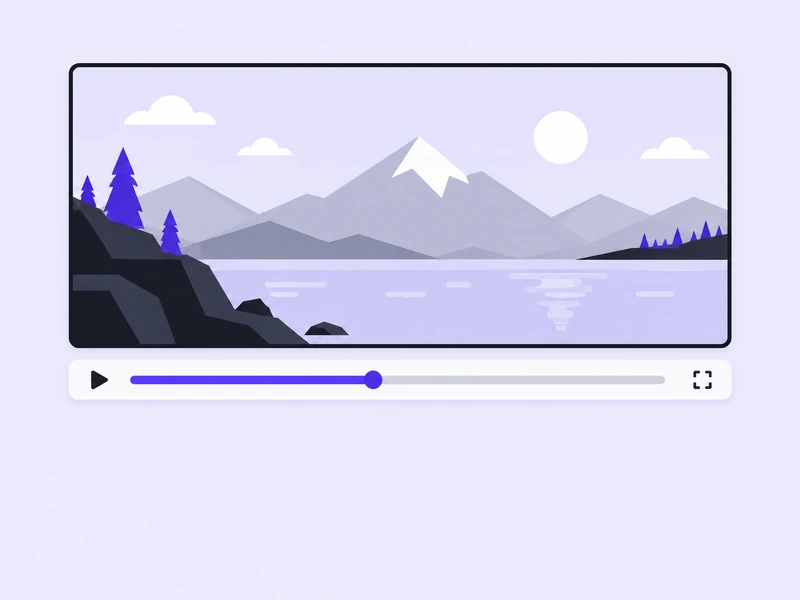
A gameplay video with a playback bar
Games

Get the feel of play across in seconds

Problem

Players decide in the opening moments, and cutting a trailer for every build is expensive.

Solution

Gameplay videos and feature showcases from your own captures, narrated in the languages your players speak.
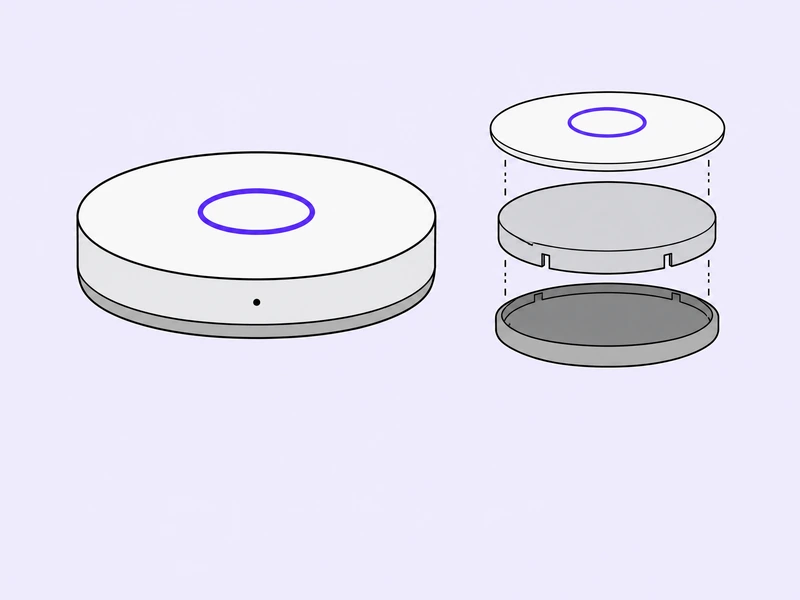
A smart home device shown with an exploded view of its layers
AI Hardware & Smart Devices

Explain a device nobody has held yet

Problem

Buyers cannot try a new device, so they have to watch it work.

Solution

Product showcases and how-it-works explainers built from your renders, photographs, and specification documents.
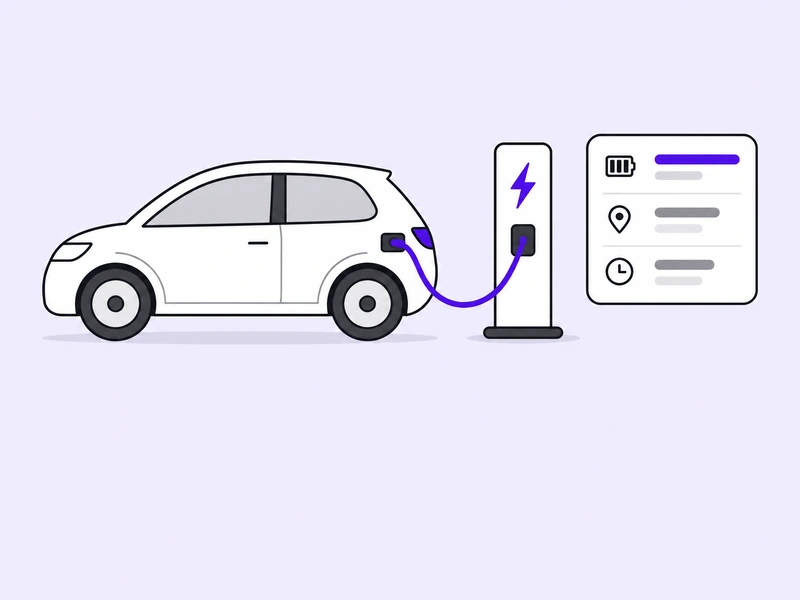
An electric car at a charging station beside a card of key specs
New Energy & Smart Mobility

Make the engineering legible

Problem

The technology is the selling point, and a brochure is the wrong place to explain it.

Solution

Technology explainers and product videos that turn specification documents into something a customer can follow.
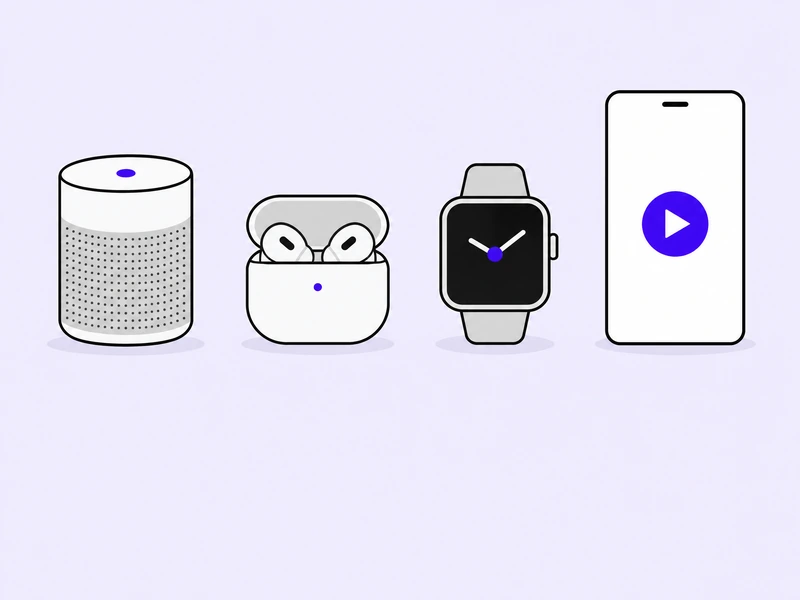
A speaker, earbuds and a smartwatch beside a vertical social video
Consumer Tech

Keep up with the release calendar

Problem

Every product and every channel wants its own video, and the calendar never slows down.

Solution

Product commercials and social videos produced in one pass, in your brand, for every format you publish in.

Start Making Your AI Product Demo Video

Bring a product address, a screen recording, or a document. Demoly handles the script, the narration, the editing, and the documentation.

Demoly is launching soon.

Frequently Asked Questions About Demoly

What Demoly does, what it needs from you, and what comes back.

Demoly is an AI product demo video maker. You give it your product — a web address, a screen recording, a set of images, or a written document — and it produces a finished video of that product in use. The same pass can also return a tutorial video, a written help guide, and social clips. It is built for teams who need to show software, apps, games, and devices working, and who would rather not run a recording and editing process every time the product changes.

Add your product, choose what you want back, then review the result. Adding your product means pasting its address or uploading a recording, images, or a document, along with one sentence describing what the video should cover. Choosing what you want back means picking the demo video, the tutorial video, the written guide, the social clips, or all of them, and the languages you need. Reviewing means watching what came back and changing anything that is wrong before you export.

No. If you give Demoly the address of your product, it opens the product and walks through it on its own, so there is no take to perform and no mistake to re-record. Recording your screen is still supported, and it is the right choice when the flow you want to show needs a human decision, or when it lives somewhere Demoly cannot reach on its own. Either way, you are not editing the footage afterwards.

A product address, a screen recording, a set of images, or a written document such as a specification or a help article. Hardware and physical products usually start from images and documents, because there is no interface to walk through. Software usually starts from the address. You can combine them when part of the story lives in the product and part of it lives in a document.

A demo video you can put on a landing page, a tutorial video you can send to a new user, a written help guide you can publish in your documentation, and social clips sized for the feeds you post to. They come from the same pass over your product, which means the steps, the wording, and the screens match across all of them. This is what separates an AI product demo video from a plain recording: one pass gives you the whole set, not a single file to edit.

Yes. The AI gives you a first version, not a final one. You can rewrite any line of narration and the voice is regenerated around it, adjust where the view moves and how long it rests there, change the pacing, swap the opening and closing frames, and edit the written guide before you publish it. Nothing you want to change requires starting a new recording.

No. There is no timeline to learn and no editing software to install. Demoly removes the dead air, moves the view to whatever is being used on screen, and sets the pacing before you ever see the result. When you do want to change something, you change it in plain terms — the sentence, the moment, the frame — rather than by dragging anything around.

An AI product demo video suits anything that has to be seen in motion to be understood. That includes web applications and online tools, mobile and desktop applications, games, smart devices and wearables, vehicles and charging equipment, and consumer electronics. Software starts from its own address, while hardware starts from renders, photographs, and specification documents.

Yes. Narration and on-screen captions are produced in the languages you choose, from the same pass over your product. You do not record anything a second time, and you do not maintain a separate version for each market — the pass that produced your first video produces the rest of them alongside it.

Yes. Your logo, colors, typeface, and opening and closing frames are applied to everything Demoly produces, so the result looks like it came from your team rather than from a tool. The same branding carries across the demo video, the tutorial video, the written guide, and the social clips, which matters once a prospect has seen more than one of them.

A screen recording tool captures what you do and leaves you with raw footage to edit. Demoly starts a step earlier and finishes a step later: it can walk the product for you, and an AI product demo video arrives finished rather than as something to work on. It also returns more than video — the same pass gives you a written guide — and it keeps the narration, the captions, and the documentation consistent with each other.

An interactive demo is something a visitor drives themselves, step by step. A video is something they watch. The two answer different moments: a video works when someone is still deciding whether your product deserves their attention and is not going to work through anything yet. Demoly makes the video, the tutorial, the written guide, and the social clips for that moment.