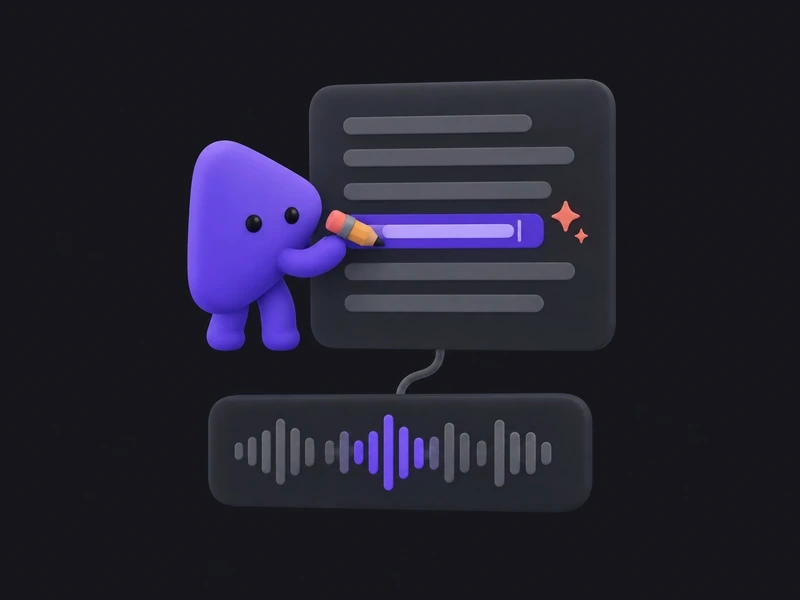
Start From a URL, a Recording, or a File
Paste your product address and Demoly explores the interface on its own. A screen recording, a set of images, or a document works just as well.
Create stunning product demos, explainers, and marketing videos for websites, apps, games, and smart devices. Simply record your screen or upload your content, and let AI do the rest.
Free to try · No credit card
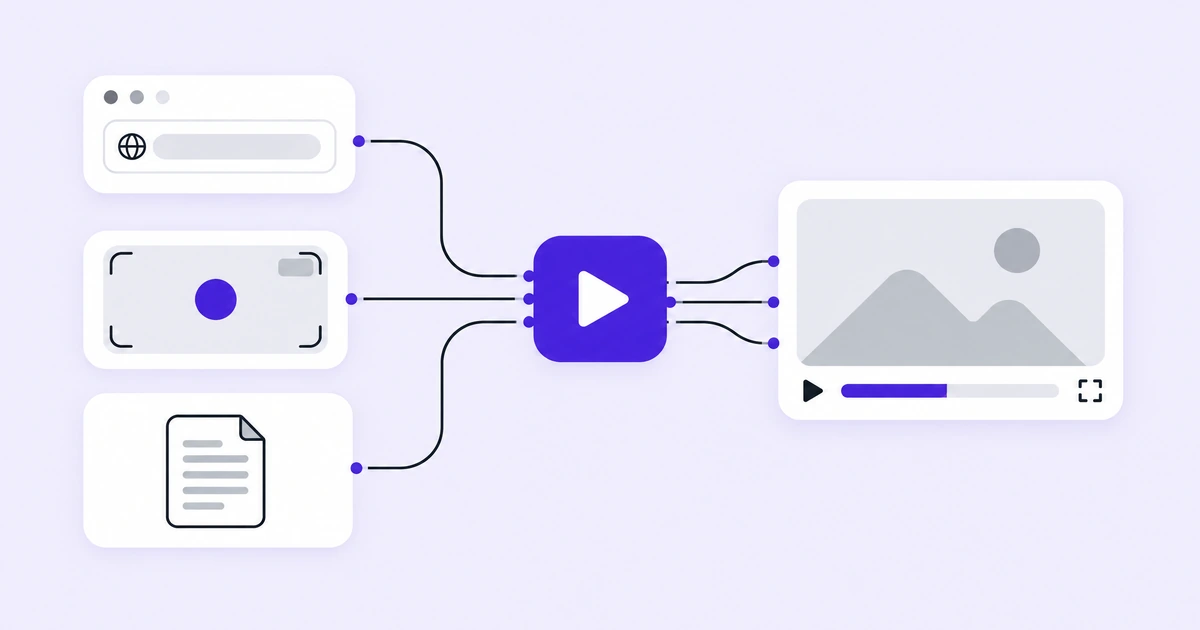
Demoly is an AI product demo video maker. Give it your product — a web address, a screen recording, a set of images, or a document — and it writes the script, speaks the narration, edits the footage, and hands back a finished video. One pass produces a demo video, a tutorial video, a written help guide, and social clips, so the same walkthrough serves marketing, onboarding, support, and your social feeds.
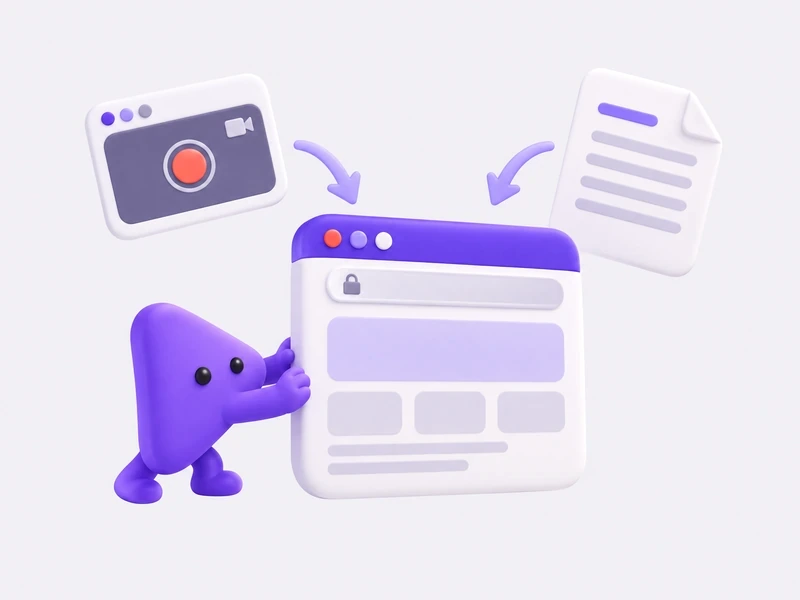
Point Demoly at the address of your product and it walks the interface on its own. Bring a screen recording, a set of images, or a document instead and the same pass works from those. There is no clean take to perform.
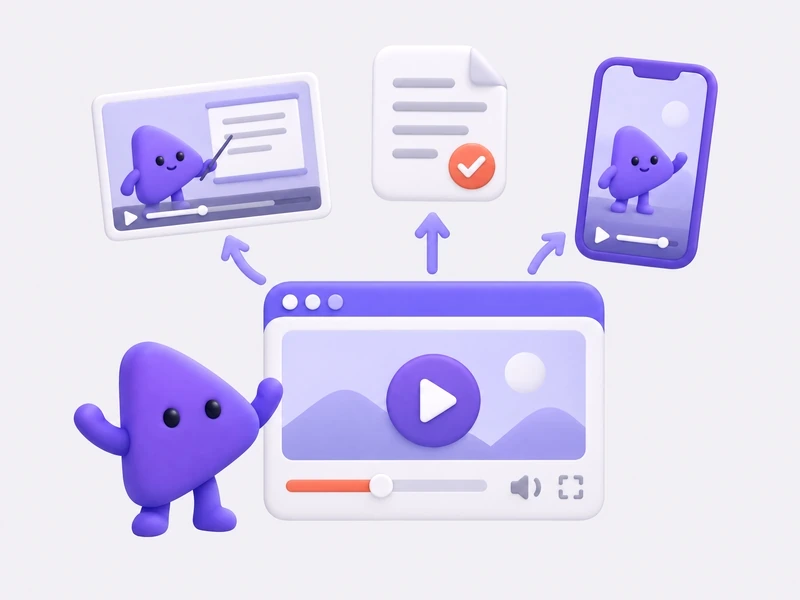
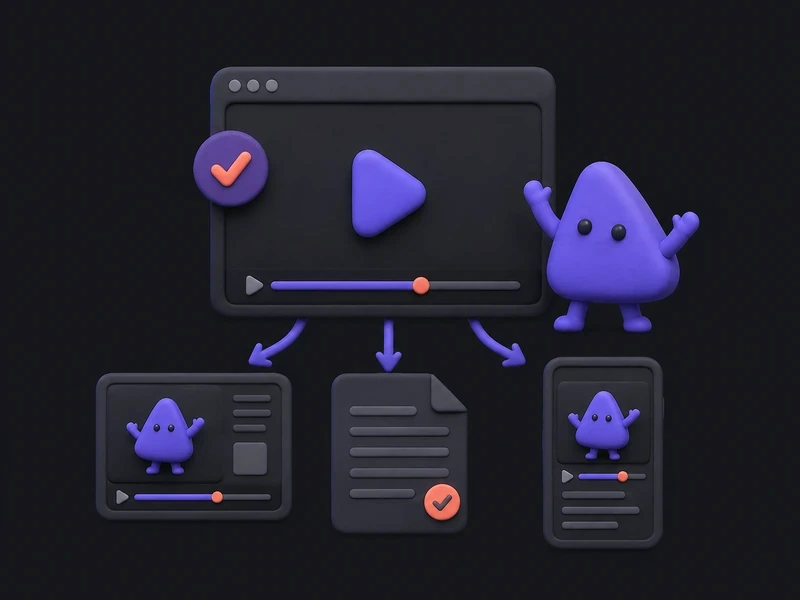
One walkthrough comes back as a demo video for the landing page, a tutorial for onboarding, a written guide for your documentation, and social clips for your feeds.
What comes back is finished, not a project to finish. When a line is wrong you rewrite that line, and when a move lands in the wrong place you move it.
Recording the product, editing the footage, writing the script, and keeping the documentation in step are four different jobs. Demoly does all four in one pass over your product.
Paste your product address and Demoly explores the interface on its own. A screen recording, a set of images, or a document works just as well.
Demoly writes what should be said, then speaks it in a natural voice. Rewrite any line and the narration is regenerated around it.
Dead air is removed, the view moves to the control being used, and the pacing follows the screen. There is no timeline to learn.
Narration and on-screen captions are produced in the languages you sell in, out of the same pass. No second take for a second market.
Logo, colors, typeface, opening and closing frames. Everything Demoly produces looks like it came from your team rather than from a tool.
The same walkthrough comes back sized for a landing page, a store listing, a help center, and the vertical feeds.
An AI product demo video earns its place wherever a product has to be seen moving before anyone believes it works. Pick what you ship and see what comes back.
Walking the product is the expensive part, so Demoly only does it once. One pass returns four finished pieces that agree with each other, because they came out of the same walkthrough.
The video that sits above the fold and shows your product doing the thing you sell.
The longer walkthrough you send to a new user or attach to a support reply.
A written, step-by-step version of the same flow, ready to publish in your help center.
Short cuts of the moments worth posting, sized for the feeds you publish to.
The AI gives you a first version, not a final one. Say what is wrong in plain words and Demoly changes that one thing, instead of sending you back to the start of a recording.
Demoly starts from the address of your product when there is one. When there is not, an AI product demo video can still be built from what you already have.
Record the flow yourself when it needs a human decision, or when it lives somewhere Demoly cannot reach. You still do not edit the footage: the dead air, the camera work, the narration, and the captions are handled for you.
Hardware has no interface to walk through. Give Demoly your renders, photographs, and specification documents, and it builds the explainer out of those, in your brand.
A finished video is only useful where your customers already are. Demoly hands back an AI product demo video sized and formatted for every major place product demos get published, from launch pages and video sites to social feeds and community forums.
Product video teams are measured on the release, not the recording session. They need the launch video on time, a fresh cut when the interface changes, and one walkthrough that serves every channel. Demoly is built around those jobs.
The launch video
We stopped blocking a week for every launch video. Demoly gave us a first cut in one pass, and the demo shipped with the release.
The refresh
A renamed button used to mean re-recording everything. Now we point Demoly at the new build and review a fresh cut.
The repurpose
One walkthrough gave marketing, onboarding, and support the same story in the formats each needed.
The same workflow behind the launch, the refresh, and every channel.
Demoly signs in to your product in order to record it, so it is fair to ask what it can touch. Here is what is true by default, and what you switch on yourself.
Demoly blocks write requests to your product unless you switch on data writes or publishing for that run.
Changes it makes in your product, and the ones it is blocked from making, are listed on the result page.
When your product needs an account, Demoly opens a browser window and waits. You type your password into your own product, and Demoly never sees it.
Whatever a run needs in order to reach your product is encrypted while it is stored, and it is used for your runs only.
What Demoly records inside your product belongs to your account. It is not used to train a model.
Marketing needs the launch video, support needs the walkthrough, and sales needs the version for one particular prospect. When all three come out of the same pass, nobody is maintaining three stories about how the product works.
What Demoly does, what it needs from you, and what comes back.
Demoly is an AI product demo video maker. You give it your product — a web address, a screen recording, a set of images, or a written document — and it produces a finished video of that product in use. The same pass can also return a tutorial video, a written help guide, and social clips. It is built for teams who have to show software, apps, games, and devices working.
Add your product, choose what you want back, then review the result. Adding your product means pasting its address or uploading a recording, images, or a document, with one sentence saying what the video should cover. Choosing means picking the demo video, the tutorial, the written guide, the social clips, or all of them, and the languages you need. Then you change anything that is wrong before you export.
Demoly is free to try. You can open an account without a credit card and make your first videos on a free allowance — enough to see what the AI produces from your own product before you commit to anything. Past that allowance you pay for what you render. The plans are still being settled with our first customers, so if you need figures for a budget, write to us and we will tell you where things stand.
No. If you give Demoly the address of your product, it opens the product and walks through it on its own, so there is no take to perform and no mistake to re-record. Recording your screen is still supported, and it is the right choice when the flow needs a human decision, or when it lives somewhere Demoly cannot reach. Either way, you are not editing the footage afterwards.
A product address, a screen recording, a set of images, or a written document such as a specification or a help article. Hardware and physical products usually start from images and documents, because there is no interface to walk through. Software usually starts from the address. You can combine them when part of the story lives in the product and part of it lives in a document.
A demo video for your landing page, a tutorial video you can send to a new user, a written help guide you can publish in your documentation, and social clips sized for the feeds you post to. They come from the same pass, so the steps, the wording, and the screens match across all of them. This is what separates an AI product demo video from a plain recording: one pass gives you the whole set.
Yes. The AI gives you a first version, not a final one. You can rewrite any line of narration and the voice is regenerated around it, adjust where the view moves and how long it rests there, change the pacing, swap the opening and closing frames, and edit the written guide before you publish it. Nothing you want to change requires starting a new recording.
No. There is no timeline to learn and no editing software to install. Demoly removes the dead air, moves the view to whatever is being used on screen, and sets the pacing before you ever see the result. When you do want to change something, you change it in plain terms — the sentence, the moment, the frame — rather than by dragging anything around.
An AI product demo video suits anything that has to be seen in motion to be understood. That includes web applications and online tools, mobile and desktop applications, games, smart devices and wearables, vehicles and charging equipment, and consumer electronics. Software starts from its own address, while hardware starts from renders, photographs, and specification documents.
Yes. Narration and on-screen captions are produced in the languages you choose, from the same pass over your product. You do not record anything a second time, and you do not maintain a separate version for each market — the pass that produced your first video produces the rest of them alongside it, with the same wording and the same pacing.
Yes. Your logo, colors, typeface, and opening and closing frames are applied to everything Demoly produces, so the result looks like it came from your team rather than from a tool. The same branding carries across the demo video, the tutorial video, the written guide, and the social clips, which matters once a prospect has seen more than one of them.
A screen recording tool captures what you do and leaves you with raw footage to edit. Demoly starts a step earlier and finishes a step later: it can walk the product for you, and an AI product demo video arrives finished rather than as something to work on. The same pass also hands you a written guide that says what the video says.
Bring a product address, a screen recording, or a document. Demoly handles the script, the narration, the editing, and the documentation, and hands you an AI product demo video you can publish the same day.
No credit card, no editing software, no recording session.